
You have some additional information about a specific Supplier that you would like to leave. This information will assist you in making future decisions.
So leaving Notes is a quick and easy process that only takes a few minutes.
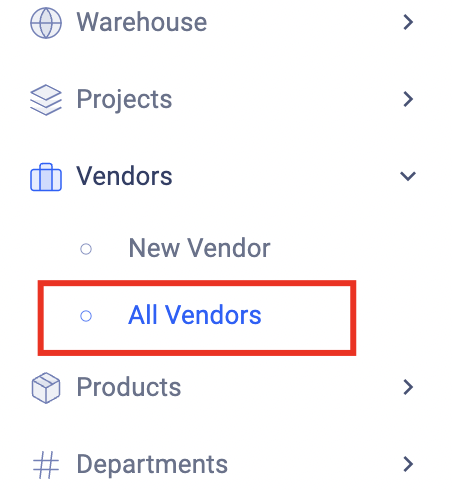
- Open the All Vendors page under the Vendors tab:
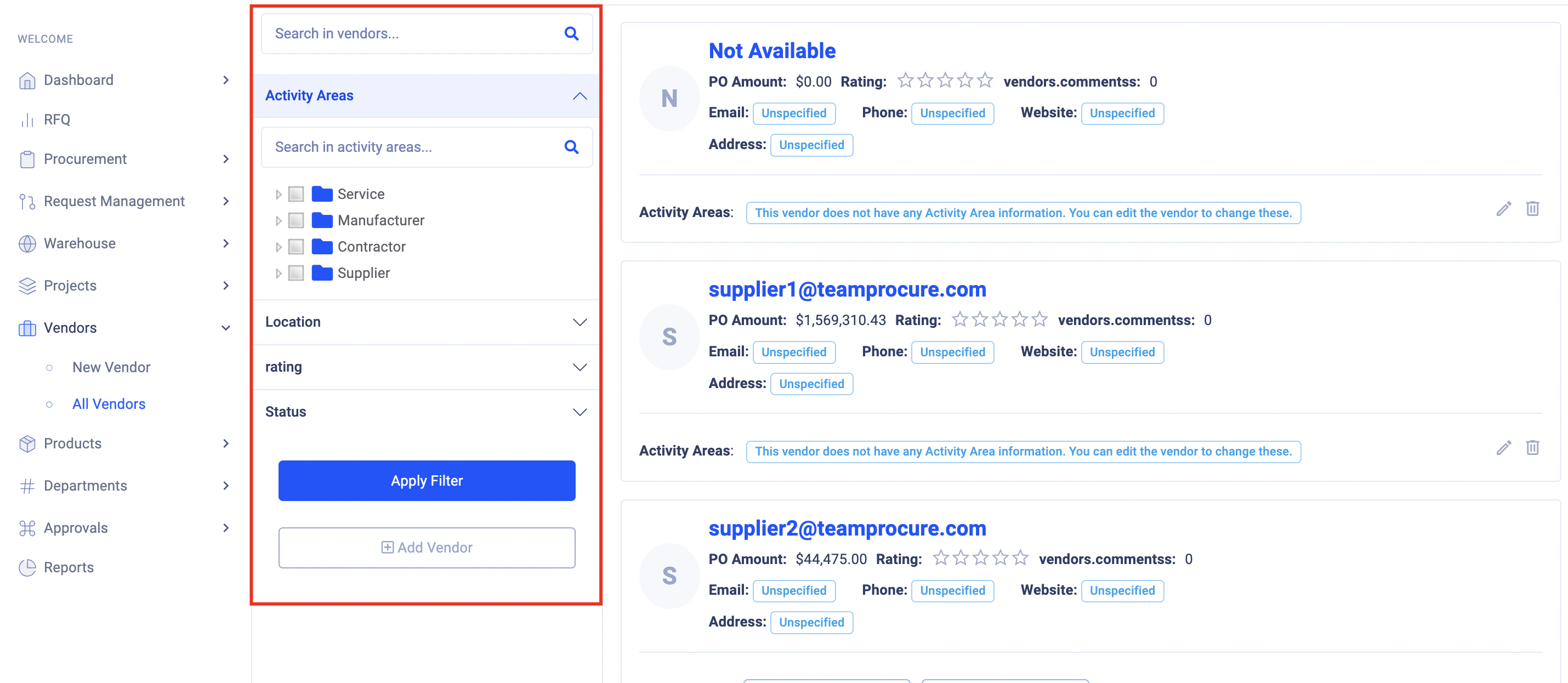
- Choose one from the list of Vendors. Use the filter function for a quick and easy search:
- When you've found the right one, click on the Vendor's Name. You will then be directed to the Vendor's Card:
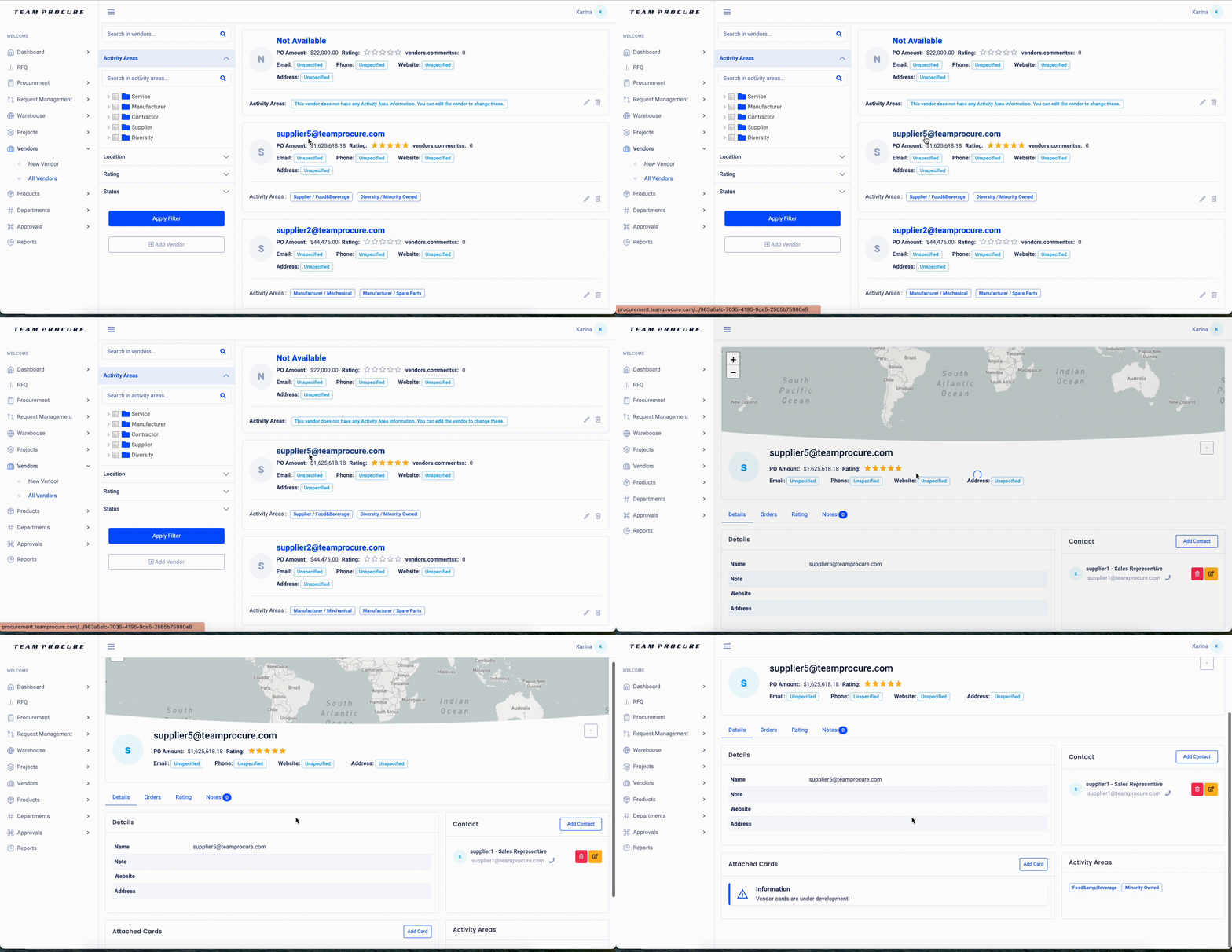
- There are several tabs in Vendor Card that contain information.
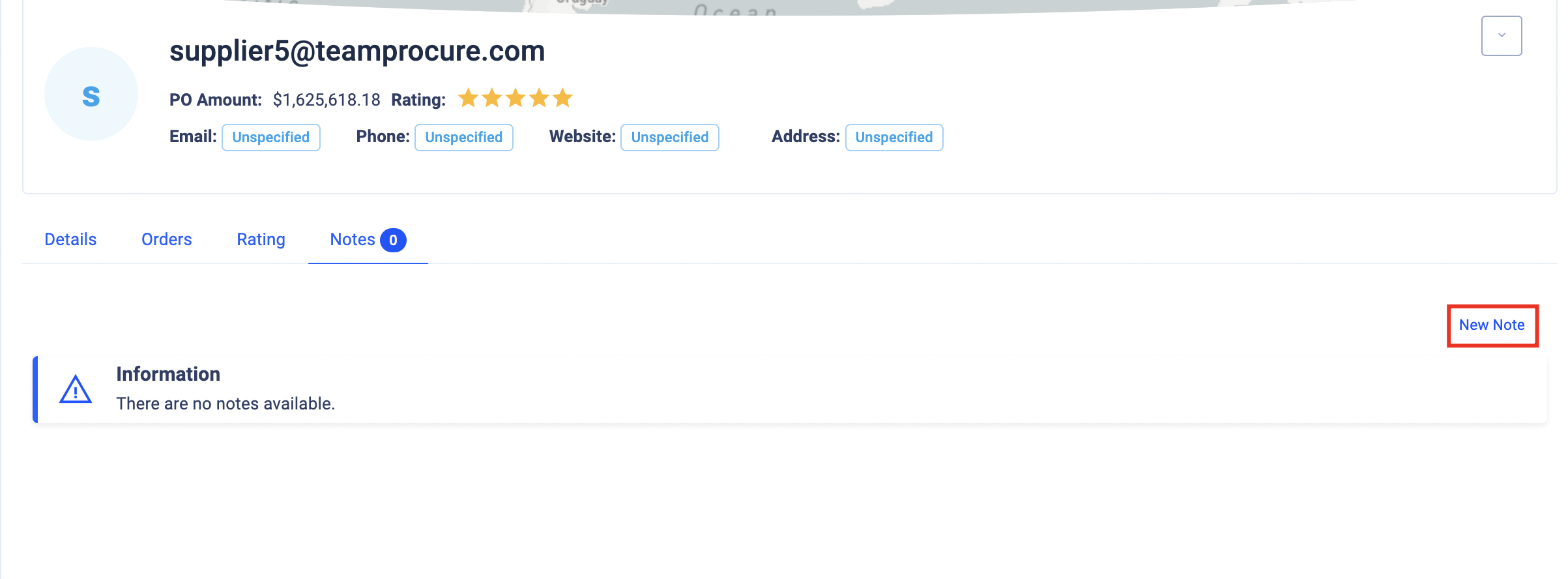
- To leave the note click on the tab "Notes":

- In the notes tab click on the "New Note" button:
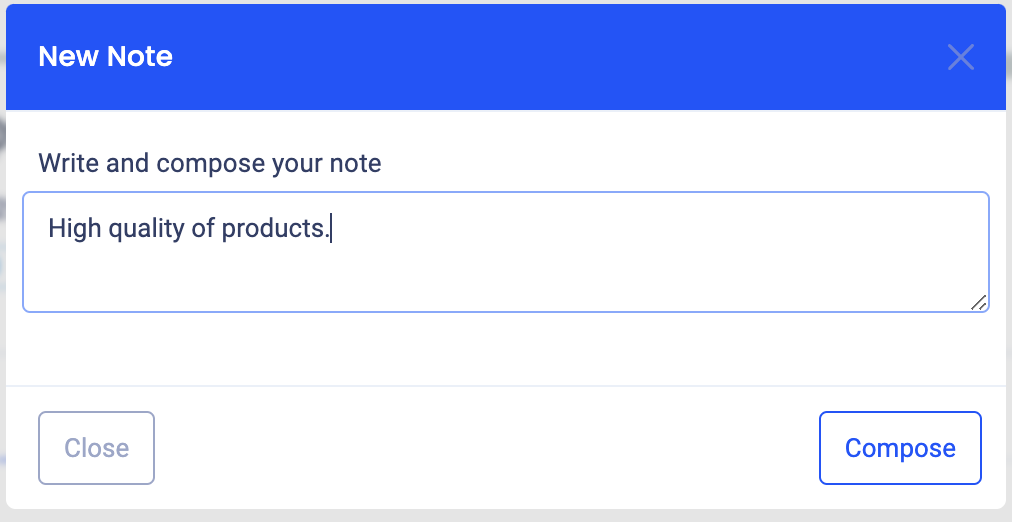
- In the pop up window type Note and click
 button:
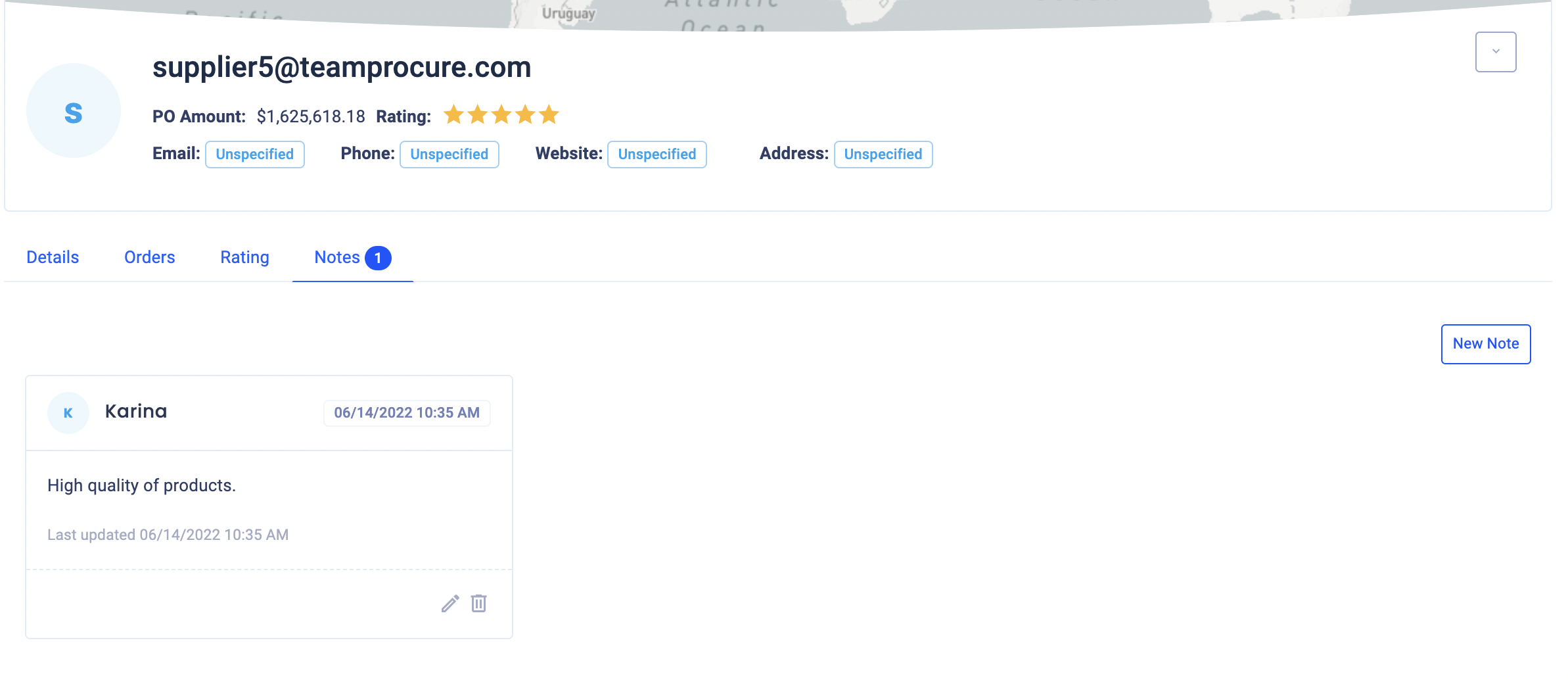
- Your note will appear in the tab:
Comments
0 comments
Article is closed for comments.